


READY TO PRESS
DTF Transfers By Size
Upload your designs, pick a size for each one and we print them ready to press.
- Works on any fabric or color
- Vibrant, detailed prints
- Printed in-house by INKora
- No setup or art fees
Upload Artwork
Upload a design to choose its size and see your price.
Want to save time?
Buy more & save with cumulative discounts
We count every transfer in your order to give you the best price per piece.
- Transfers
- 0
- Subtotal
- $0.00
- Volume savings
- Total
- $0.00
- Free U.S. shipping on orders $50+
- No setup, art or minimum fees.
- Need it sooner? Add Jump the Line in your cart.
Product details
Your design.
Your exact size.
Upload your designs and pick the exact size for each one, up to 13 inches wide.
Printed in-house and ready to heat press.
Order as few as 1 transfer.

Vibrant Chroma Color
Bold colors that bring your designs to life.
Sharp, Clean Details
Small details. Big impact.
Soft & Flexible
Comfortable prints that move with your fabric.
Ready to Press
Your designs, printed and ready to apply.
Why our prints look this good
Every transfer is made with a complete DTF Station Color Prime® system.
Materials & Print Technology
Every transfer is made with a complete DTF Station Color Prime® system.
- Chroma pigment inks: a 10% wider color gamut than the standard Color Prime ink, high-density pigment for deep blacks and saturated fills, and an enhanced flow formula that helps prevent clogging. OEKO-TEX® compliant and independently tested by SGS.
- Color Prime white ink: high color density and consistent, professional results, a strong white base that helps your colors hold their vibrancy.
- Quick Glide film: a high ink-loading layer that holds extra color and white, so prints come out crisper and more vibrant.
- Flex adhesive powder: a soft hand feel and superior stretch, even on stretchy fabrics like polyester. Works with almost all fabrics, including 100% polyester.
- Production-grade printing: printed on a DTF Station Prestige R2 Pro with dual Epson i1600 print heads at high resolution. Automatic white-ink stirring and printhead cleaning help keep every order consistent.
Product specifications are provided by the manufacturer. Color Prime®, Chroma, Quick Glide, Flex, Prestige and DTF Station® are trademarks of their respective owners; INKora is not affiliated with DTF Station.
Product Specifications
- Choose a popular size (2″ x 2″ up to 12″ x 17″) or type your own custom size; the shorter side can be up to 13 inches
- Upload up to 25 designs at a time, pick one or more sizes for each, and see your price update live
- Preview each design with its measurements, remove a solid background, or edit it in the design studio before you order
- Upload PNG, JPG, SVG, PDF, AI or EPS files, up to 20 MB each (larger files can be sent with a download link)
- Volume savings on every order: 20% off at 15+ transfers, 30% off at 50+, 40% off at 100+ and 50% off at 250+, counted across all your designs
- Optional pre-cut service, so each transfer arrives trimmed and ready to press
- Works on any fabric or color
- Printed in-house in Sandy, Utah, ready to heat press
- No minimums, setup or art fees
Upload your designs, choose the size of each one, and we print them ready to press. No gang sheet to build and no setup or art fees: every design is priced by its size, and the more transfers you order, the lower the price per piece.
- Printed in-house by INKora in Sandy, Utah
- Upload up to 25 designs at once
- Pick a popular size or enter your own
- Optional pre-cut: each transfer trimmed and ready to press
- Volume pricing applies automatically
Pressing Instructions
Recommended starting point for a heat press:
- Temperature: 160°C / 320°F
- Time: 20 seconds, then wait about 1 minute before peeling
- Pressure: medium
- Final press (recommended): same temperature, 15 seconds
Presses, garments and fabrics vary, so always test on a spare garment first.
Shipping & Returns
- Free U.S. shipping on orders of $50 or more
- We ship with USPS and UPS. Production time and shipping time are separate, and your estimated delivery date is shown at checkout
- Local pickup in Sandy, Utah (9500 S 500 W, Suite 107). Please wait until we confirm your order is ready
- Custom orders are final sale once production begins, except for manufacturing defects, shipping damage or errors on our side, reported within 7 days of delivery
Read the full shipping policy and return policy.
Artwork Upload Guide
You don’t need design experience: upload your artwork, choose a size for each design and we print it ready to press. For the best results:
- Use high-resolution artwork, 300 DPI preferred
- PNG with a transparent background works best
- Avoid screenshots and heavily compressed images
- Keep fine text and details large enough to press cleanly
- Check the resolution note under each size: if it says low resolution, pick a smaller size or use a larger file
Satisfaction Guarantee
We stand behind every transfer we print. If your order arrives with a manufacturing defect, shipping damage or an error on our side, let us know within 7 days of delivery and we will make it right.
Because every order is made to order, orders are final once production begins, except for those cases. See our full return policy.
The INKora difference
Why INKora DTF transfers stand out from Standard DTF
Not all DTF is the same. The difference is in the ink: every INKora transfer is printed with Chroma pigment inks from the DTF Station Color Prime® system, formulated for a 10% wider color gamut than the standard Color Prime ink. Brighter colors, smoother gradients, deeper blacks.
- 10% wider color gamut
- Deeper blacks, bolder solids
- Included in every transfer, no upcharge


Illustrative comparison. Results vary by artwork, film and fabric.
Upgrade from Standard DTF. Chroma ink is included in every INKora transfer at no extra cost.
Heat press guide
How to press your DTF transfers
For a professionally pressed result every time, follow these four simple steps.
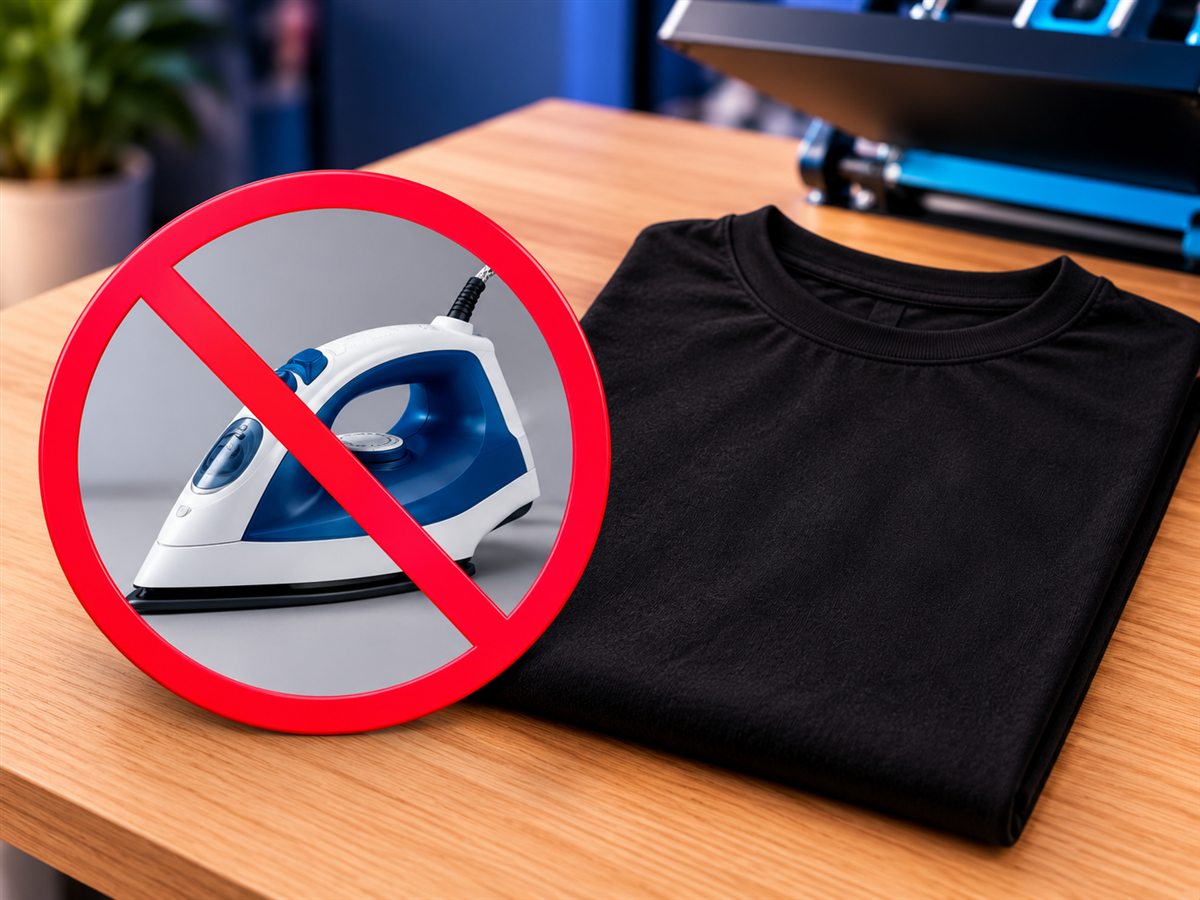
No need to pre-press or pre-iron
You can skip removing moisture and wrinkles before pressing. Pre-press only if you prefer.
Pro tip: pressing onto a garment or surface you haven’t worked with before? Do a small test press first to confirm your settings.

Position your design
Place the transfer where you want it and make sure it lies flat before pressing. Heat-resistant tape helps hold it in place on hats, or when you press with a household iron.
Press & peel
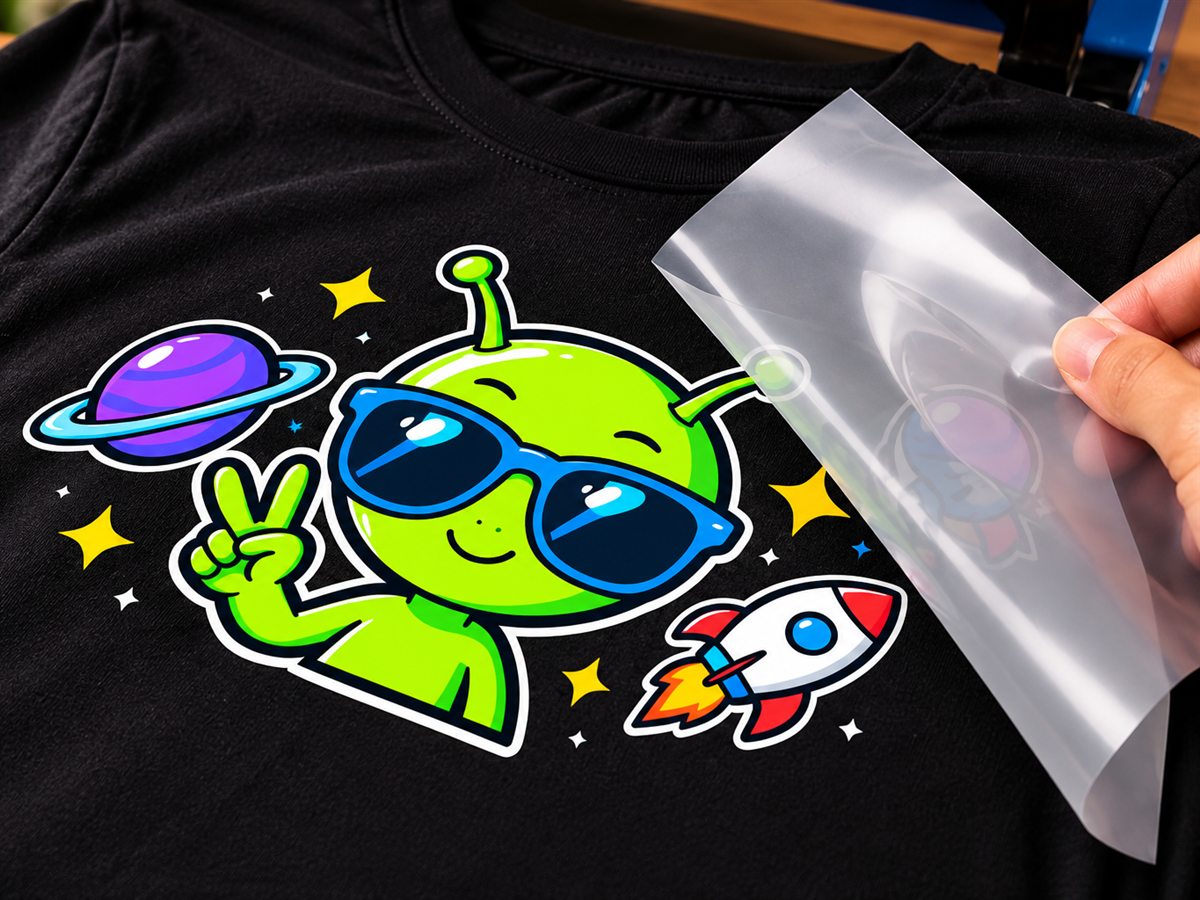
Press at 320°F / 160°C with medium pressure for 20 seconds. Cover the design with a Teflon sheet or parchment paper so your garment and press plate never touch the film directly. Then wait about 1 minute and peel the film in one smooth, steady motion.
If part of the design doesn’t stick, lay the film back down and press again with a little more pressure, or raise the heat in small steps of about 10°F (5°C).
If your settings scorch the garment, reduce the pressure first. If that isn’t enough, keep the lower pressure and drop the heat by 10 to 15°F. With a little practice you’ll find the sweet spot for each garment and material.

Final press & care
We recommend a final press. Once the film is off, cover the design with a Teflon sheet or parchment paper and press again at the same temperature (320°F / 160°C) for 15 seconds for a softer, more matte finish.
To keep your print looking its best, turn the garment inside out, wash it cold, then tumble dry on low or hang dry. Avoid bleach, and don’t iron directly over the design.


Settings are recommended starting points. Presses, garments and fabrics vary, so always test on a spare piece first.
